AI Host
Set up AI Host
Set up AI Host for TikTok LIVE: pick a look and a voice, choose how it answers chat, add gift actions, and see what the AI costs after the free lines.
Updated
AI Host is a game where a host with a face and a voice answers your chat out loud. Gifts can move a viewer to the front of the line or buy a personal shoutout.
Where to find it
Open the game: click the AI Host tile on the dashboard home. Its settings are in Game Settings in the left panel, in three groups: The host, Answers and On screen.
Set it up
Pick the host
- Pick a Language. The host speaks 9: English, Español, Português, Français, Deutsch, Русский, Italiano, Türkçe and العربية.
- Under Look, pick Ember, Hologram or Santa. To use your own 3D character, pick Upload your own (see Use Your Own Character).
- Pick a Voice in the voice picker (Pro).
- Set the background. Santa has a Scene (Christmas room, or Custom). Ember and Hologram use Your image (Pro), or their own plain backdrop.
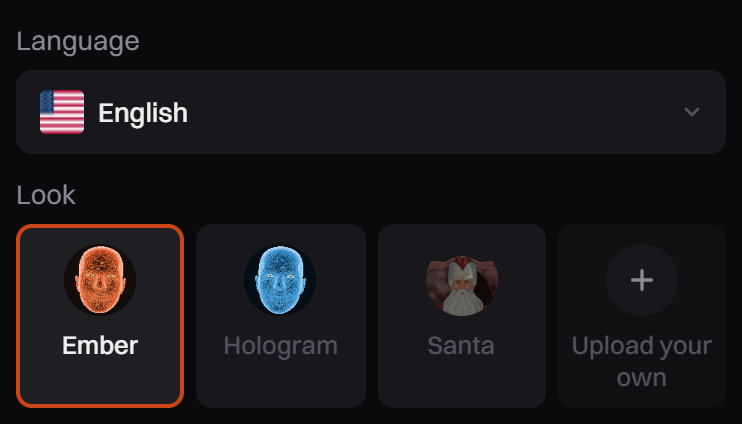
Ember and Hologram are called Max. With Pro you can change that under How the AI answers: Host name, Personality, What the stream is about, Never talk about and Your instructions for the AI. Santa keeps his own name and personality.
Choose how it answers chat
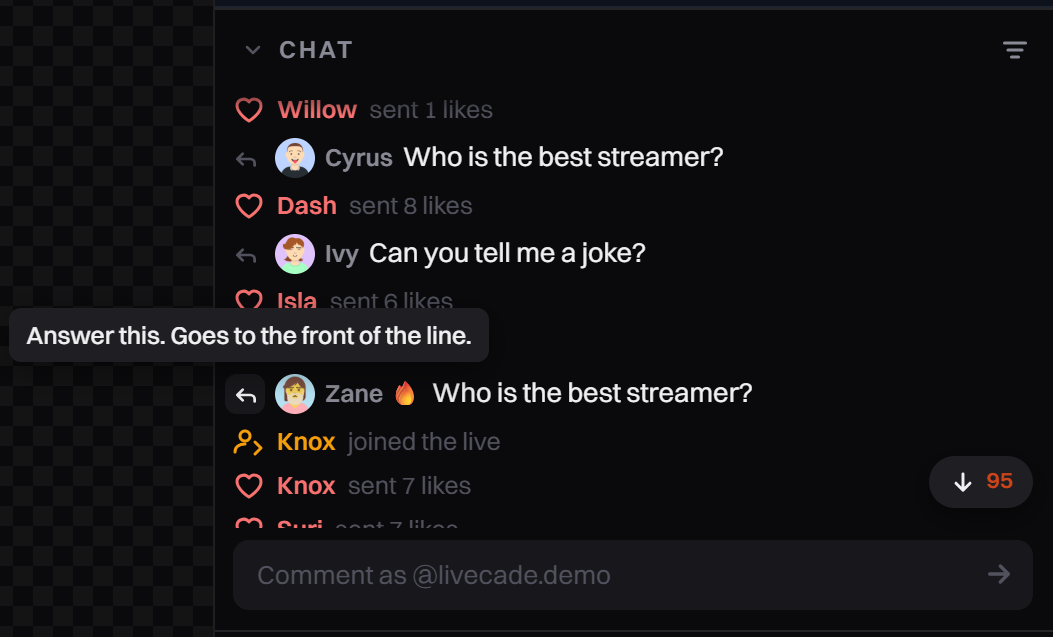
The Answers group sets what the host does by itself (see Options). To pick a comment yourself, click the Answer this button next to it in Chat. It goes to the front of the line. This works even with Answer chat off.
Use the host controls
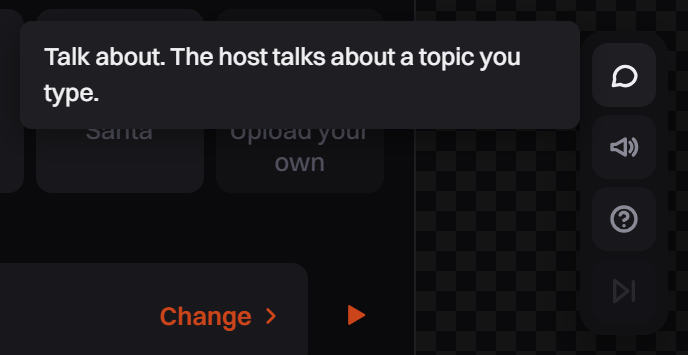
The dock next to the preview has Talk about (Pro), Say this (Pro), Ask chat a question and Skip this answer.
Add gift actions
AI Host has three actions you bind to a gift or another trigger in Action Triggers:
- Answer Me First: the viewer's question is answered next. They can send the gift first and type the question after.
- Say My Name: the host says hello to them by name.
- Hype Me Up: a longer personal shoutout.
With Pro, New action adds up to 5 of your own. Give it a Name on stream, write What the host does, tick What the AI sees (Comment, Name, Photo) and pick a Length: Short (one or two sentences) or Shoutout (two or three).
Keep What the host does to one or two short sentences, and ask for a short reply. A very long answer can be cut.
Test with mock viewers
In the Live Simulator, turn on Use AI with mock viewers (Pro), then click Start Simulator. While it is on, mock viewers use your free lines, then your keys or credits, like a live. See Test your game before you go live.
Options
| Setting | What it does |
|---|---|
| Answer chat | The host picks comments to answer by itself. Off: only the ones you press Answer this on. |
| Thank gifts | Every gift gets a thank-you by name. A rush of small gifts is thanked in one line. |
| Own thank-you from | A gift worth this many coins or more (30, 99, 299 or 999) gets its own thank-you. |
| Welcome new followers | Off by default. A rush of follows is welcomed in one line. |
| Talk when chat is quiet | After 20 seconds with nothing to answer, the host asks chat for a question. It waits longer each time in a row. |
| Pause between answers | None, 1s, 2.5s or 5s between lines. |
| Who can play | Everyone, Followers only or Fans club only. |
Free, Pro and what it costs
Without Pro, the preview uses ready-made lines and a basic voice, and going live with AI Host needs Pro. With Pro, the host answers chat with AI, in a professional voice.
With Pro you get 15 free AI host lines a day, shared by all your streams. After that, each line is paid with AI credits, about 191 credits per 100 lines, or your own AI keys. A line is the answer and its voice together. Longer lines such as a shoutout cost about twice as much, and an action that looks at the viewer's photo adds about 38 credits per 100 lines.
Game Info, under AI usage, shows how many free lines you used today. Talk when chat is quiet can spend lines too, also while you are only testing with the game open.
Tips
- The voice plays through your overlay, like the game's sound. If you can't hear it, check Voice and Master in the Mixer. For OBS or LIVE Studio, see No Sound on Stream.
Common problems
It doesn't answer every comment
The host answers one comment at a time, from the newest ones, so in a busy chat most comments are never answered. Gifts go first. It skips links, comments over 160 characters, and comments older than about 25 seconds. A viewer it just answered waits behind the others.
My free lines were already used
All your streams share them, and Talk when chat is quiet and Use AI with mock viewers use them too.
A viewer followed again and the host said nothing
After the host speaks to a viewer, that viewer's free triggers, like a follow or a share, do nothing for 3 minutes.